You cannot watch every vehicle all day. A geofence watches for you: draw an area around a place that matters, and get told when a vehicle arrives, leaves, or is somewhere it should not be.
01Draw the places that matter
Most fleets start with a handful of zones and add more as they see the value.
02Three ways geofences protect your fleet

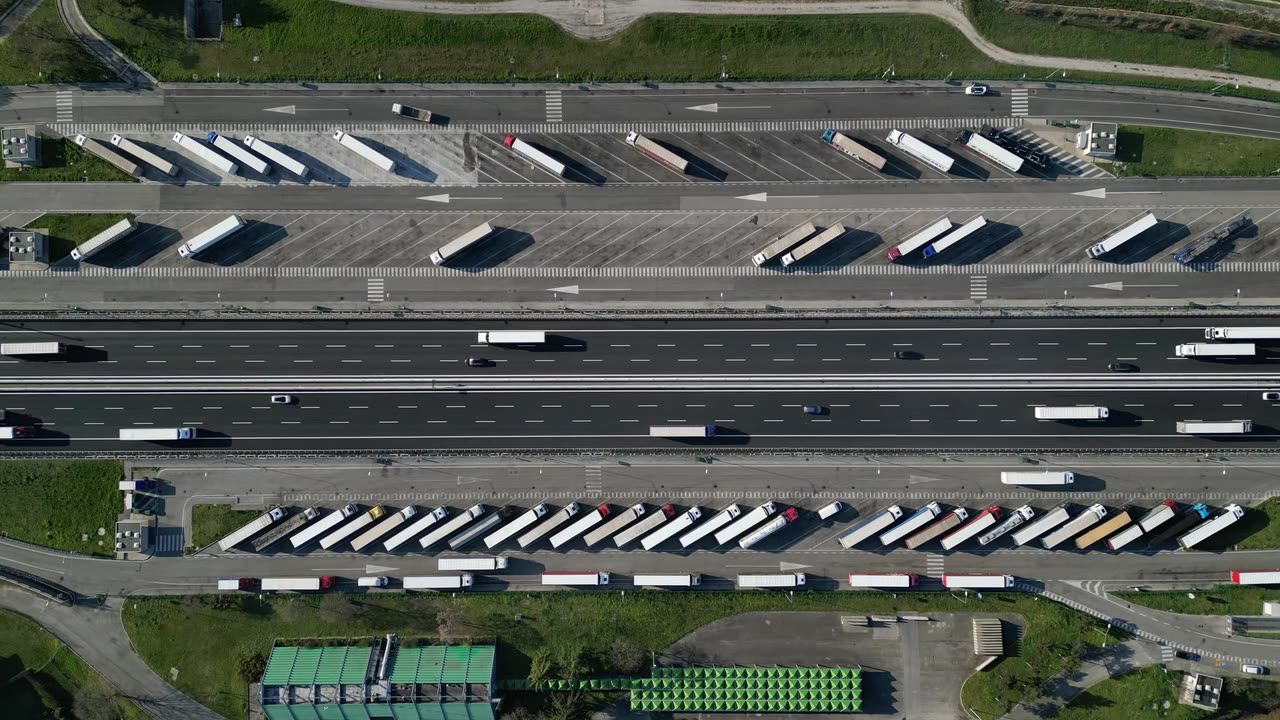
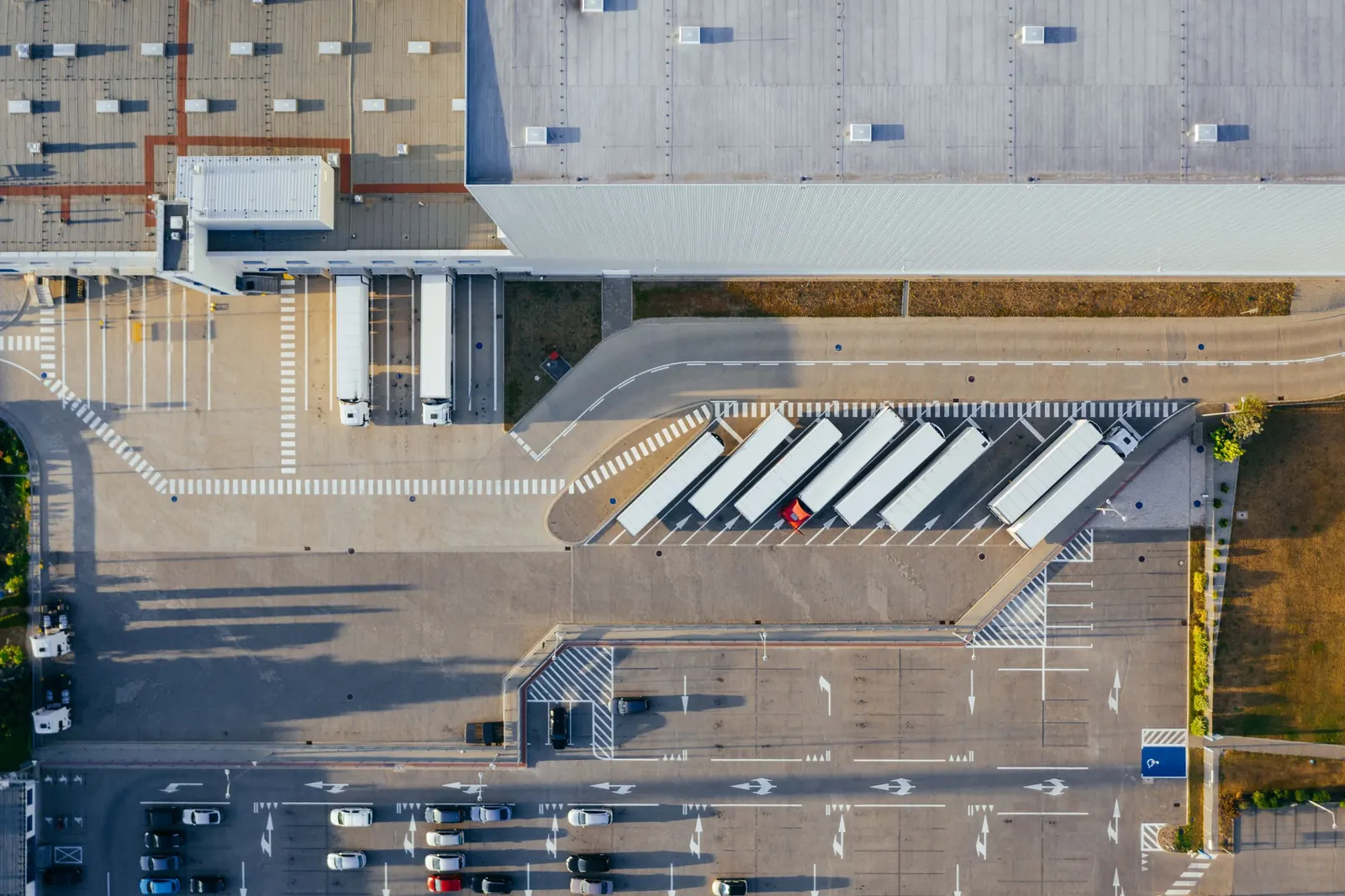
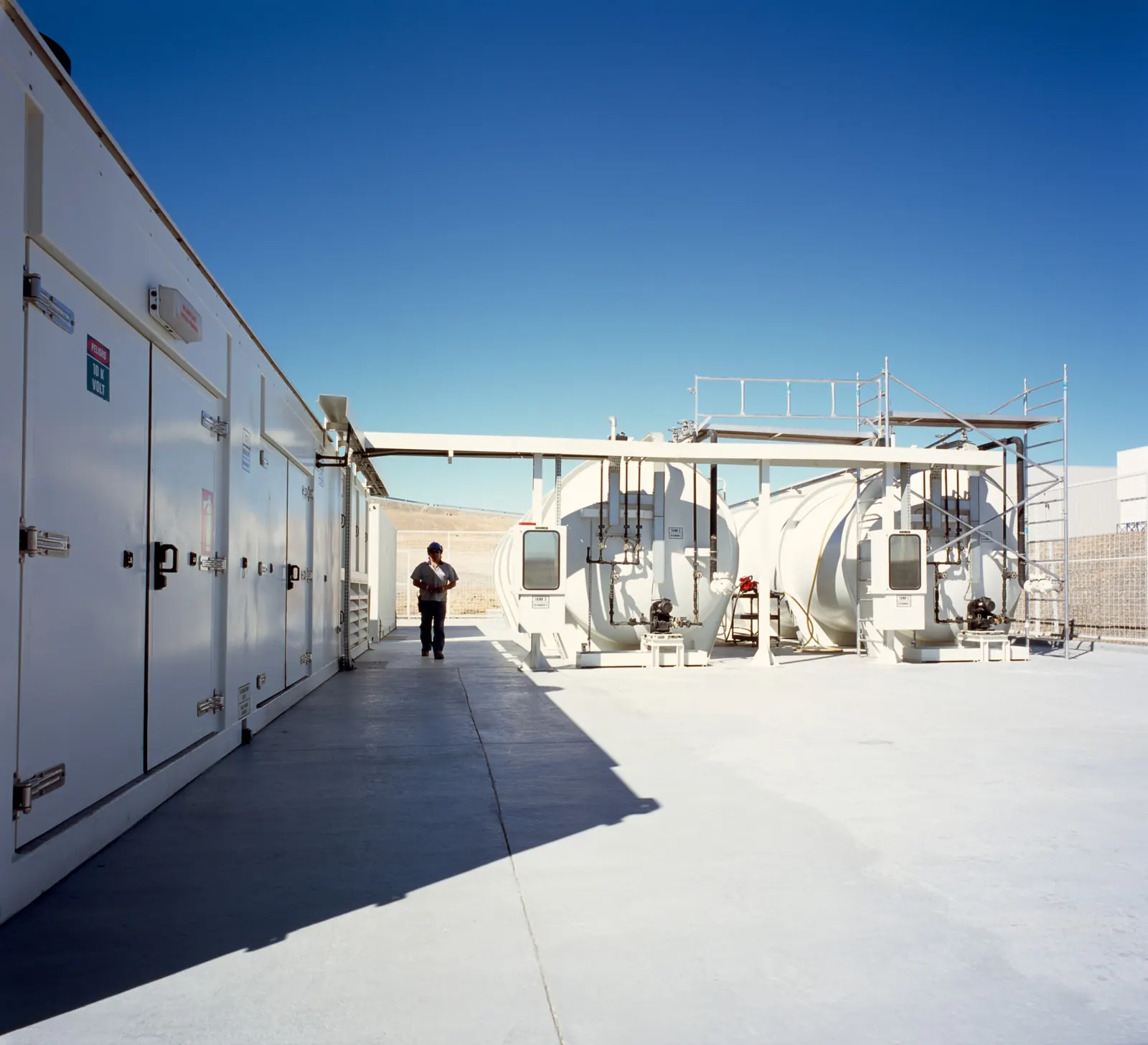
At the depot, after hours
A vehicle leaving the yard at night is often the first sign of theft or misuse. A geofence tells you while it is happening.
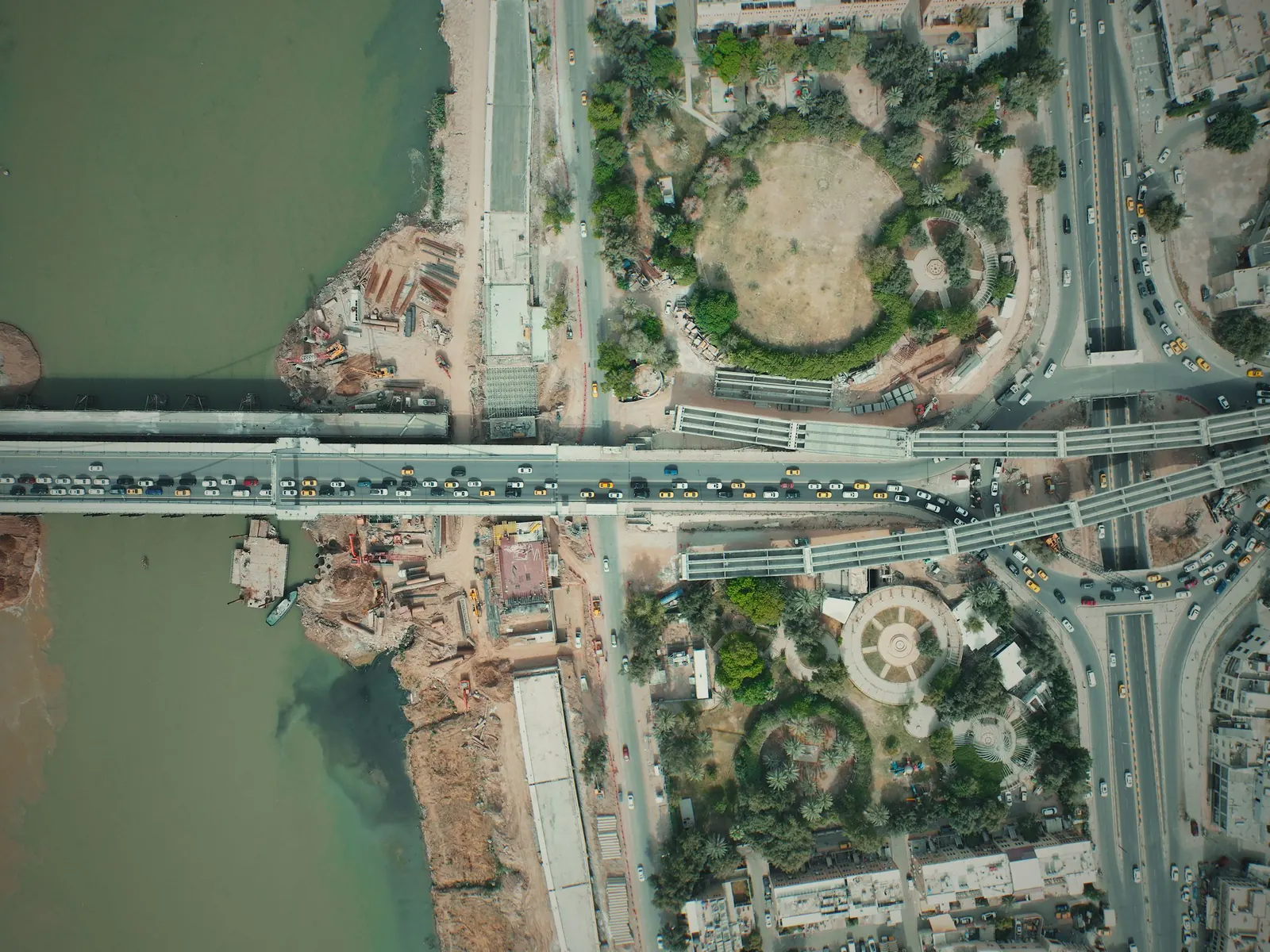
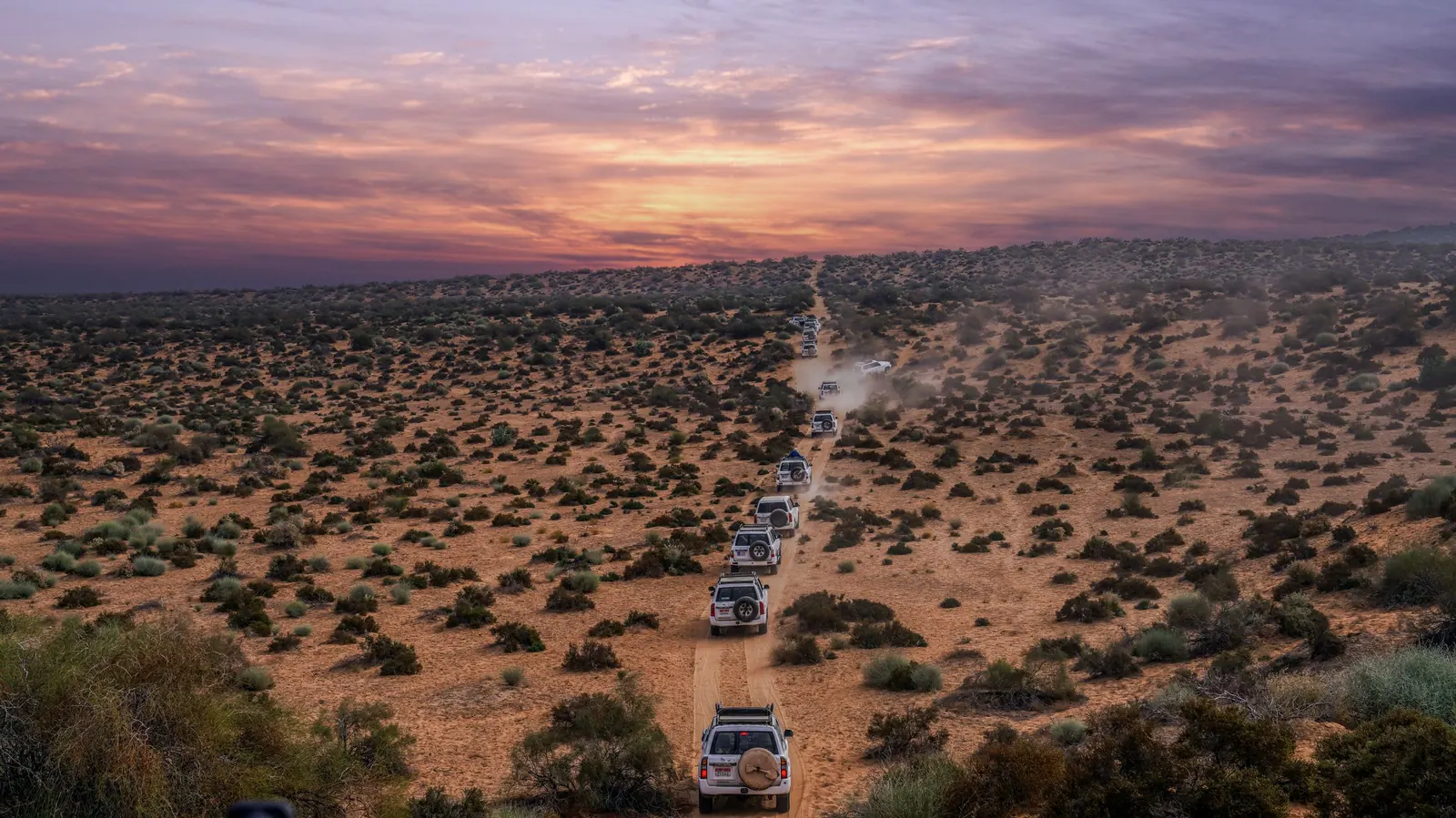
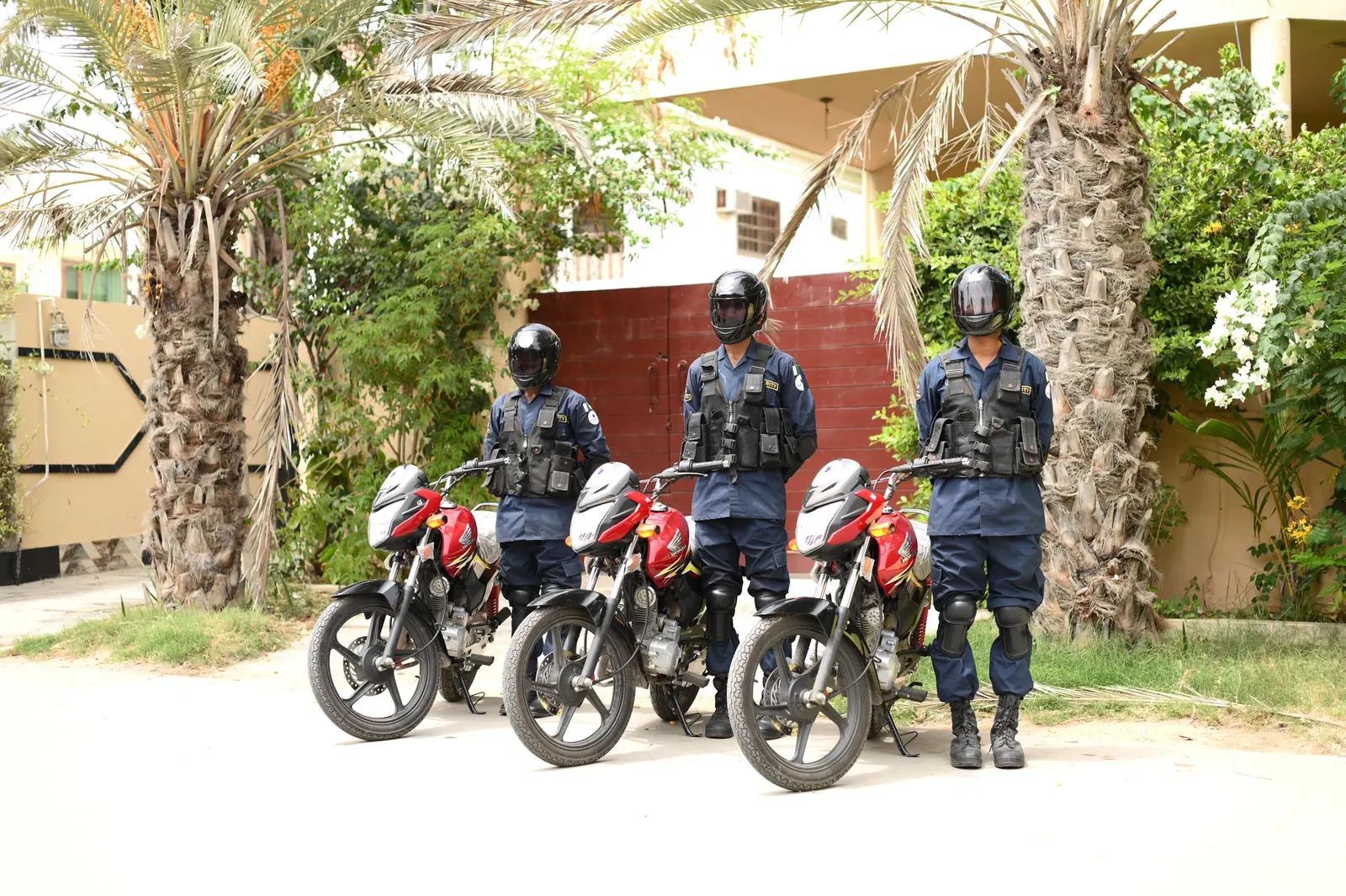
On the road
Valuable cargo should stay on its route. A corridor along the road shows the moment a vehicle leaves it.
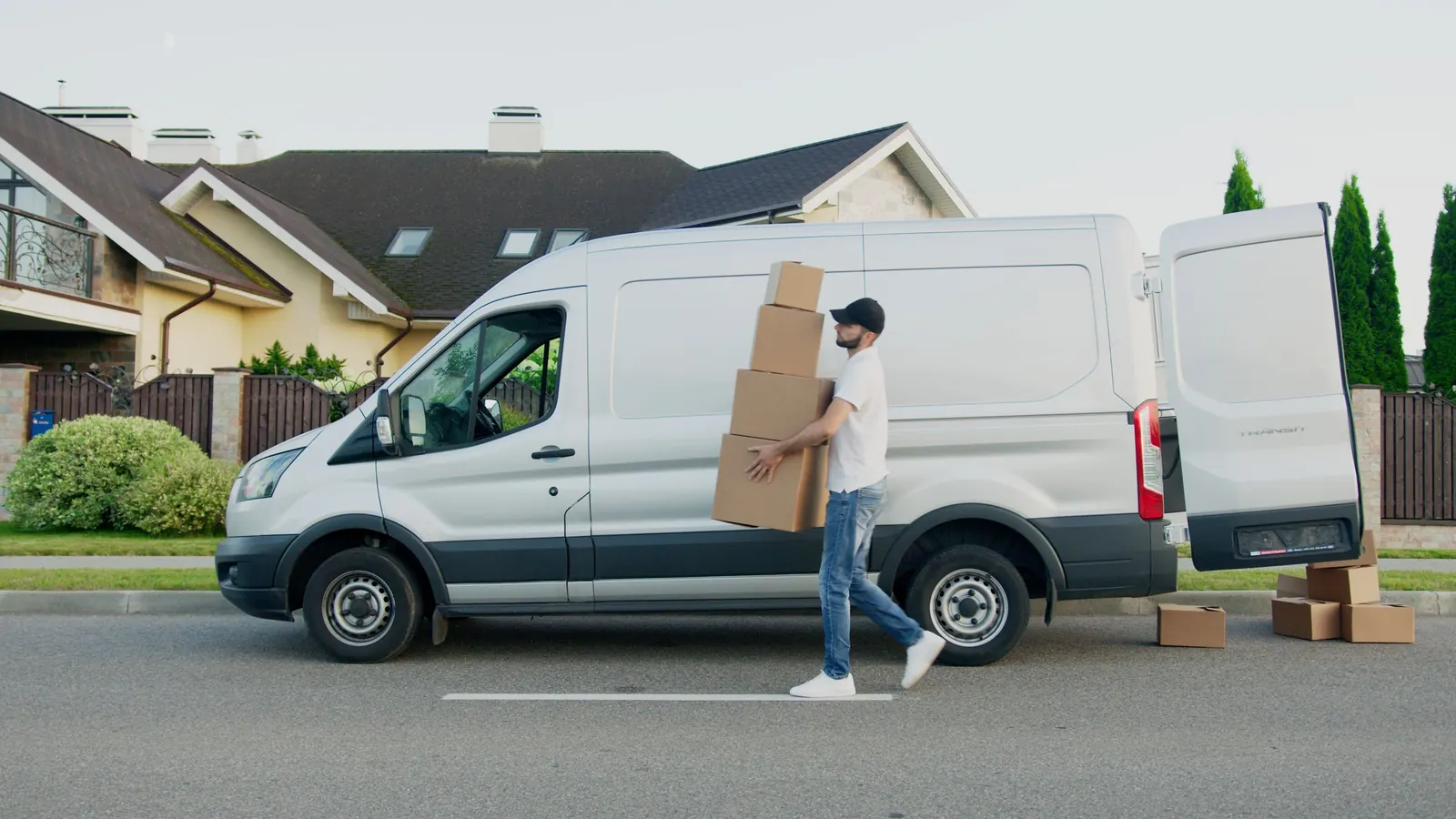
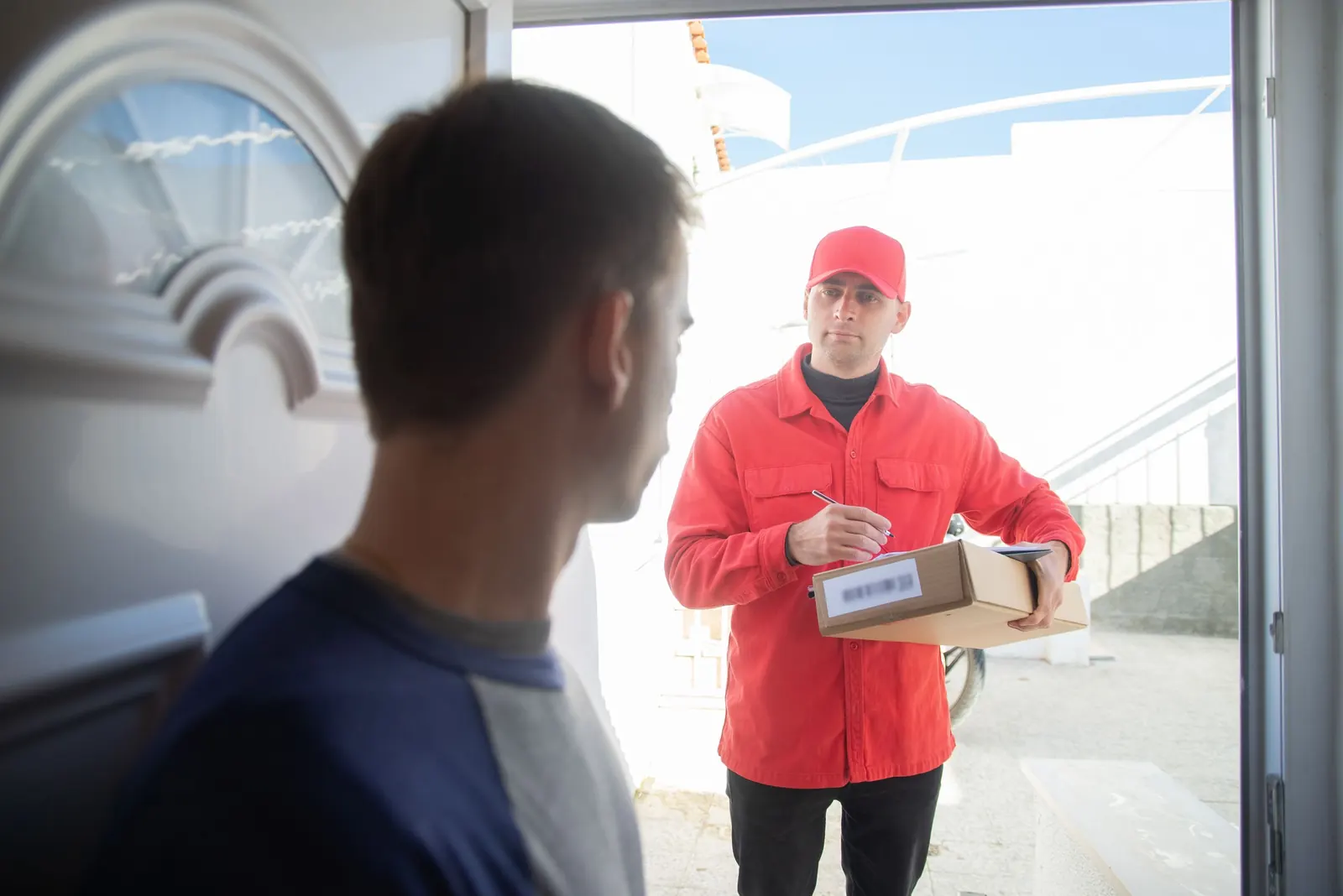
At the customer
Arrival and departure times are recorded at every customer, so delivery disputes are settled with facts.
A geofence is a line on a map that never gets tired of watching.
03Getting started
- Draw zones around your depots first
- Add your busiest customers and sites
- Choose who should be told, and when
- Review arrivals and departures each week
On the platformGeofencesMark depots, sites and customers, and know when vehicles arrive and leave.yamme.iq